
Positioning an RTK Base station in the Rest of the World
1. Convert a log file into a RINEX file
- Go to the LOGS tab of your RTK base and click on the pencil (
edit) of a complete .zip file covering 24 hours.
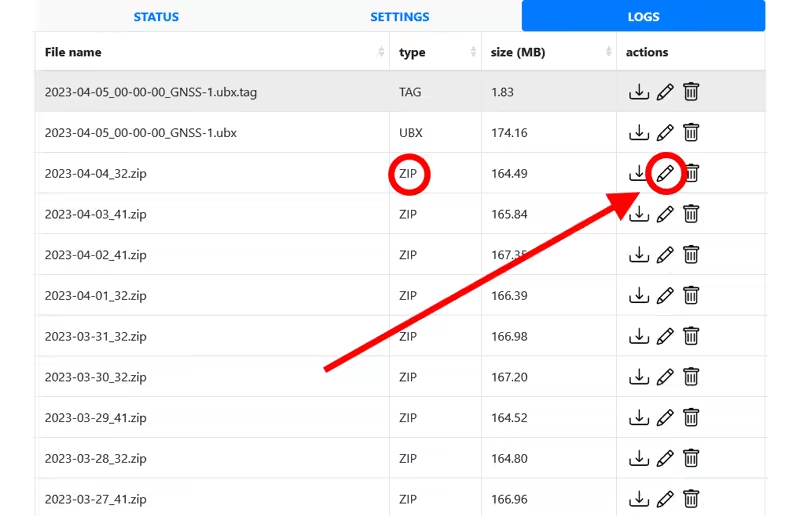
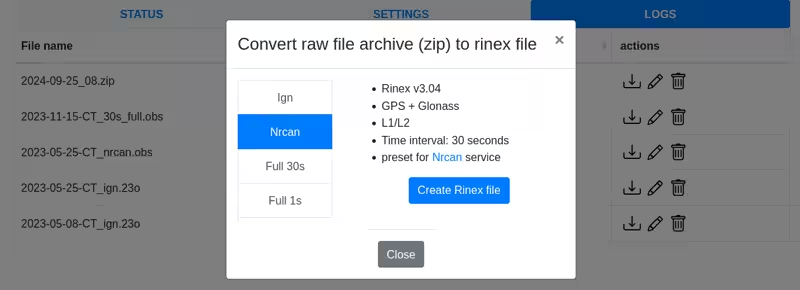
- A window opens offering to convert the log file into a RINEX file.
- If you are outside France: Use a log file that is more than 15 days old and choose the NRCAN preset, which is compatible with NRCAN online services for precise positioning calculation. Click Create Rinex File.
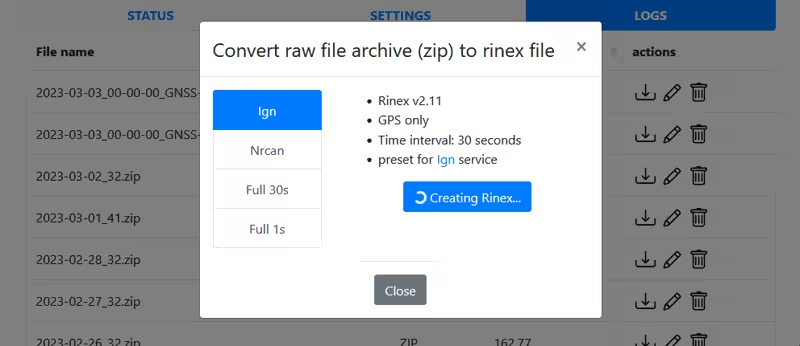
- Wait while the RINEX file is being created; this may take several minutes.
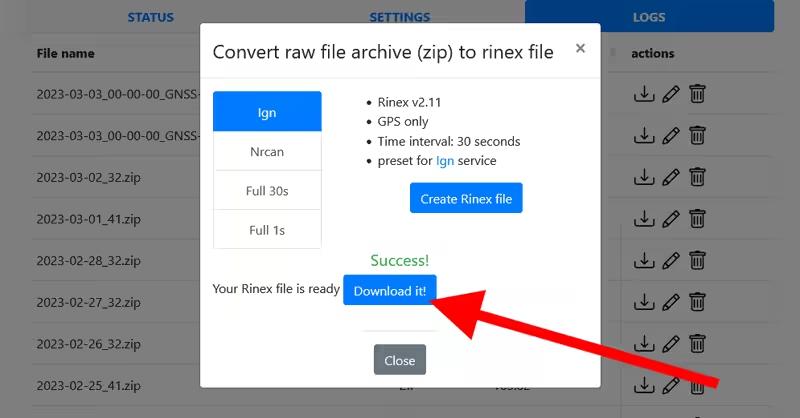
- Download the created file. Once the window is closed (
close), the RINEX file is also available in the logs list with the name YYYY-MM-DD-your_mountpoint_name_nrcan.obs. Its size is about 4 MB.
2. Post-processing
Make sure to use a RINEX file that is more than 15 days old in order to obtain precise positioning!
This step corrects the raw data from your RTK base using the NRCAN PPP method: NRCAN
- Go to the NRCAN website
- Start a session by entering your identity details
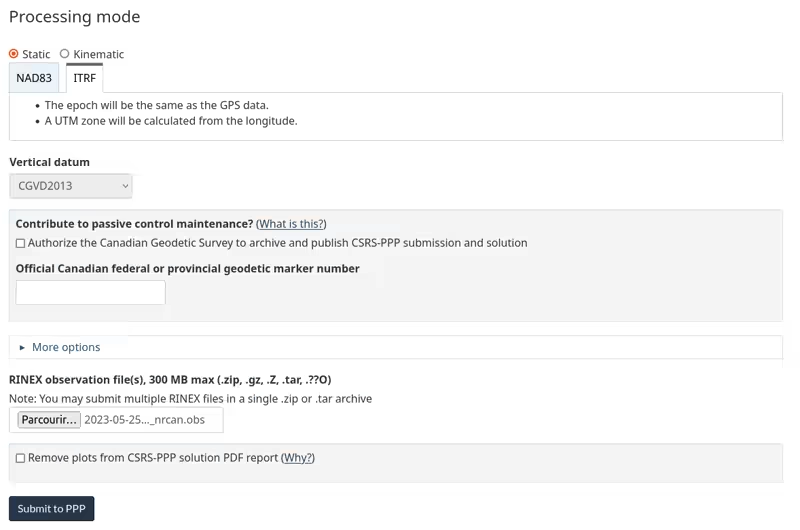
- Choose the processing mode static and ITRF
- Upload the previously generated RINEX observation file
- Click Submit to PPP
The download links are sent to your email after a few minutes:
- Click full_output.zip to download it
- Click summary to display it
The two documents (summary and full_output.zip) + the previously created RINEX file will be requested when you make your declaration, so make sure to keep all this information.
3. Interpreting the report
Example of an NRCAN summary file:
The estimated coordinates ITRF20 2023-05-24 for the 2023-05-25-CT_nrcan_1_.obs RINEX file are as follows:
Latitude	N46° 09' 53.4007"	± 0.002 m (95%)
Longitude	W0° 56' 54.7154"	± 0.002 m (95%)
Ellipsoidal Height	65.270 m	± 0.008 m (95%)
[46.16483353,-0.94853206,65.270] <---- Your coordinates in ITRF20!!

UTM Zone 30 (North)
Northing	5114407.540 m
Easting	658376.222 m
Scale factor (point)	0.99990835
Scale factor (combined)	0.99989812
[5114407.540,658376.222,65.270]

Cartesian coordinates
X	4424561.087	± 0.006 m (95%)
Y	-73255.334	± 0.002 m (95%)
Z	4578002.990	± 0.006 m (95%)
[4424561.087,-73255.334,4578002.990]

Orbits and Clocks Used: NRCan/IGS Final
GNSS Data: GPS & GLONASS
GRS80 ellipsoid used for (x,y,z) to (lat,lon,h) transformation- Retrieve the coordinates from the report, for example:
- [46.16483353,-0.94853206,65.270] <---- Your coordinates in ITRF20
- Adapt them to insert them into your GNSS base: remove the [] and replace the , with a space:
46.16483353 -0.94853206 65.270
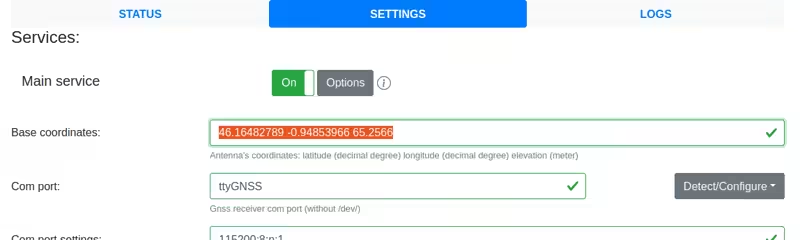
Your geographic coordinates are now in a global international reference system.
It is necessary to specify the epoch of the coordinates because it is a dynamic geodetic reference system that evolves over time due to tectonic movements.
Each continent and/or country often also uses a local coordinate system, such as ETRF2000 in Europe or RGF93 in France, in order to account for local tectonic movements: the coordinates are then almost fixed over time.
If you need your coordinates to match the coordinate system used in your country, please let us know your requirements on the forum.
- Let's move on to the final step: Configuring the positioning of your RTK Base