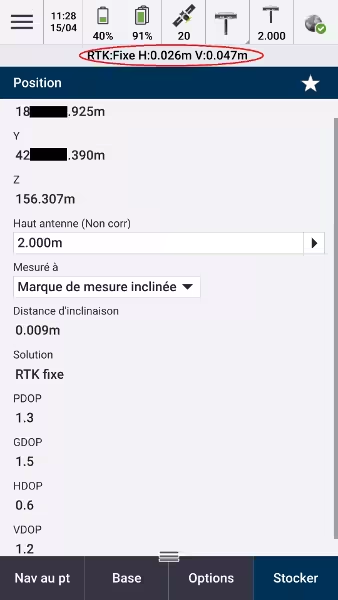
Use Centipede-RTK on Spectra hardware
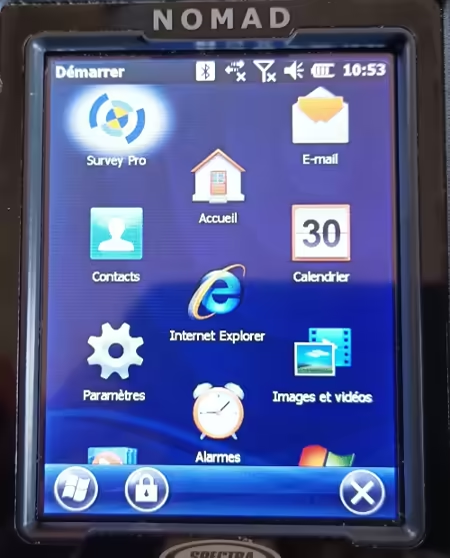
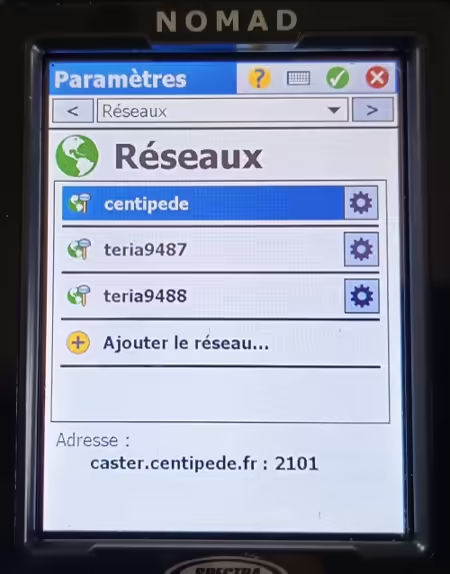
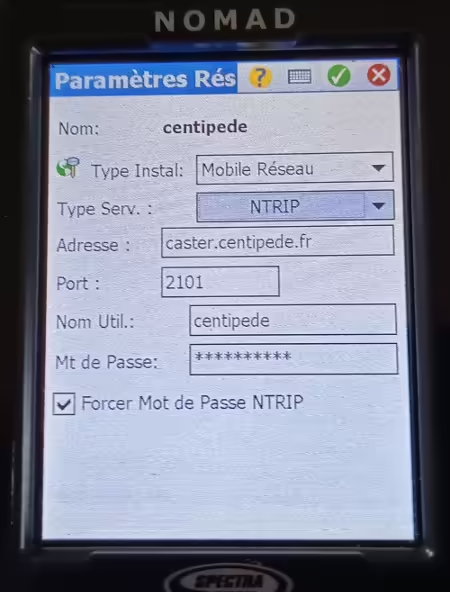
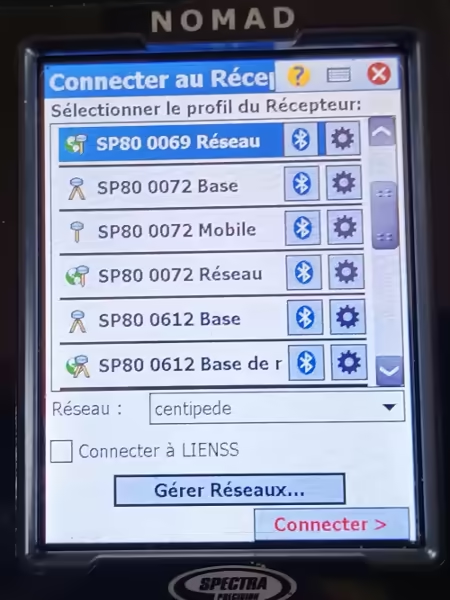
Spectra and Nomad with Survey Pro
- The 1008 message is required on the base (rtkbase update 2.2.0).
- Use an unlocked M2M SIM card, or establish a WiFi connection with your smartphone in hotspot mode.
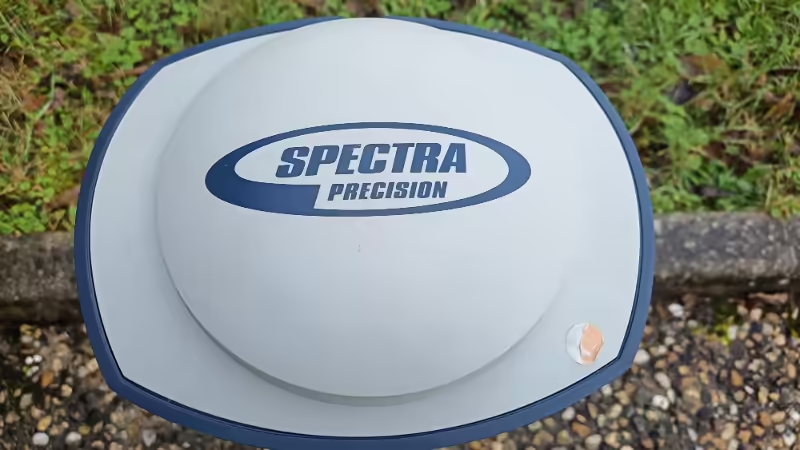
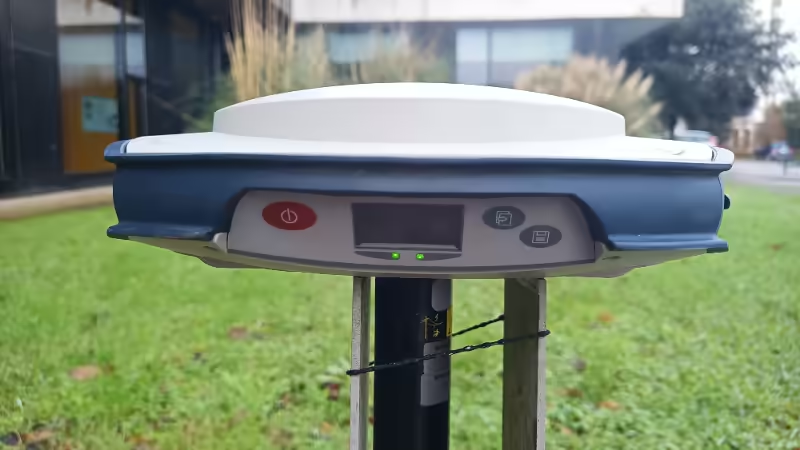
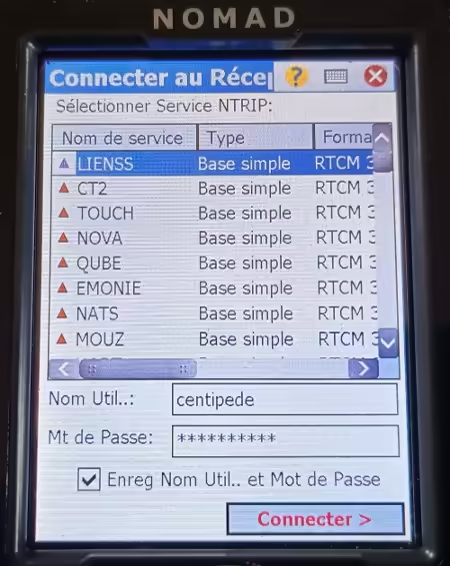
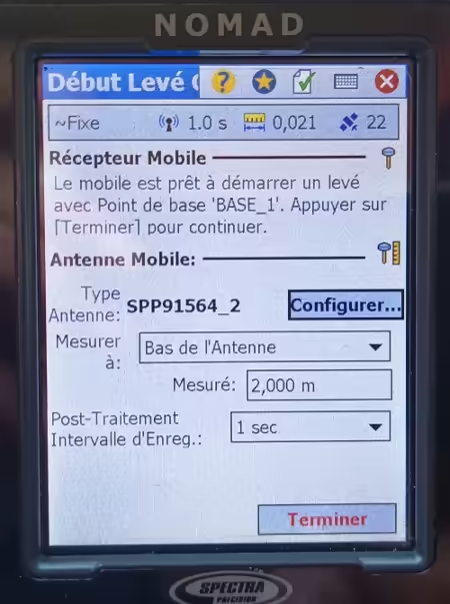
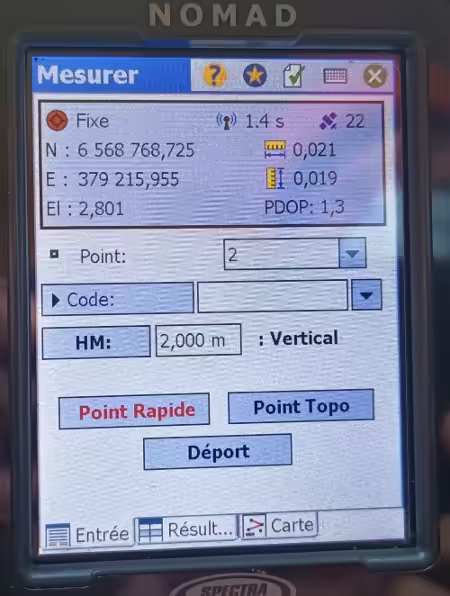
Spectra Geospatial SP85 and Spectra Geospatial Origin software
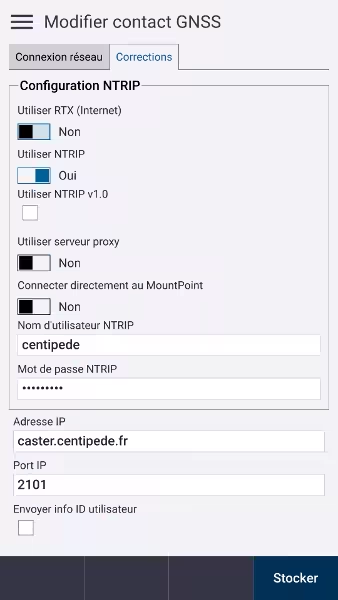
- Add the GNSS contact
(Settings > Connections > GNSS Contacts > New)
Add Survey Type
(Settings > Survey Types > New)Enter a name (of your choice) and set the Style Type to "GNSS", then accept.
In Rover Options
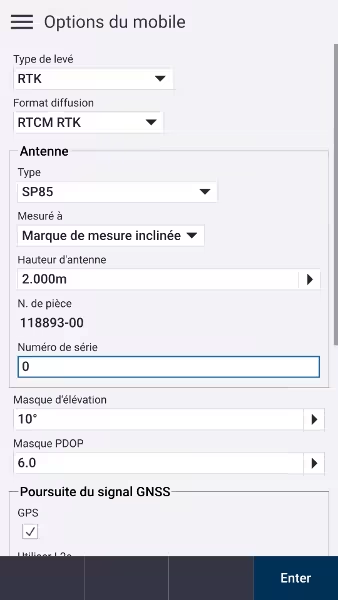

In Mobile Data Link

Start a measurement:
General Survey > Measure > Choose the name entered in Survey TypeSelect the Centipede-RTK base
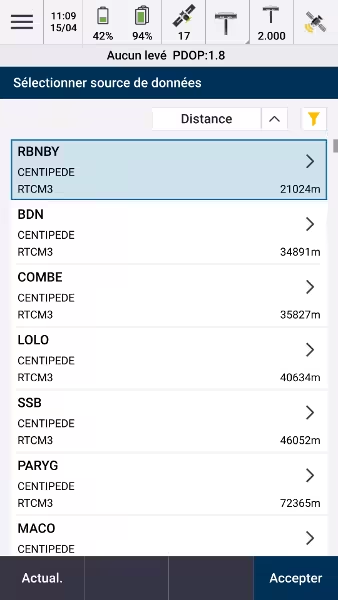
- Result