Use Centipede-RTK on Trimble hardware
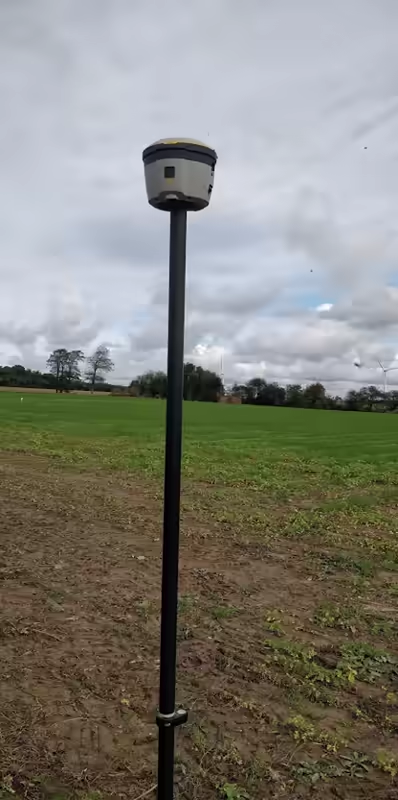
Trimble R4 and Trimble Juno
- The 1008 message is not required on the base.
- Either add an unlocked M2M SIM card, or establish a WiFi connection with your smartphone in hotspot mode. In our case it was not possible to use the M2M SIM card integrated into the antenna because it is locked for use with a paid RTK provider.
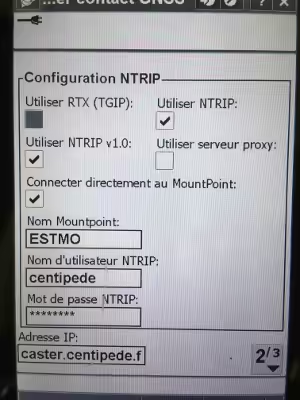
- Survey type – your survey type – rover options: you must use the broadcast format RTCM RTK.
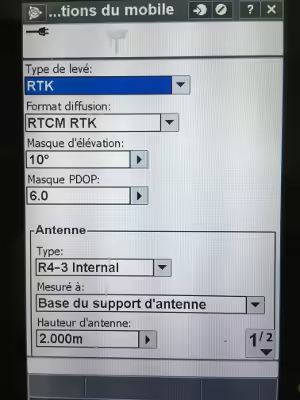
- Survey type – your survey type – mobile data link – click the arrow to the right of the GNSS contact – new

Trimble R2
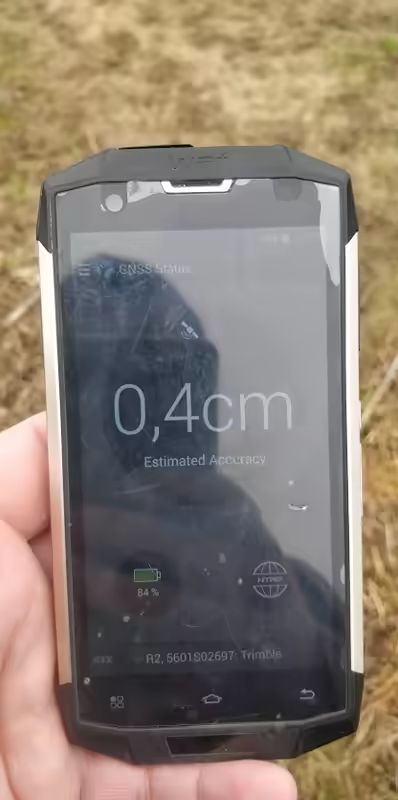
TRIMBLE R2 GPS receivers are compatible with the Centipede-RTK correction system and use RTCM 3 corrections.
The smartphone (connected to the antenna via Bluetooth) must be connected to the internet via a 4G network or Wi-Fi.
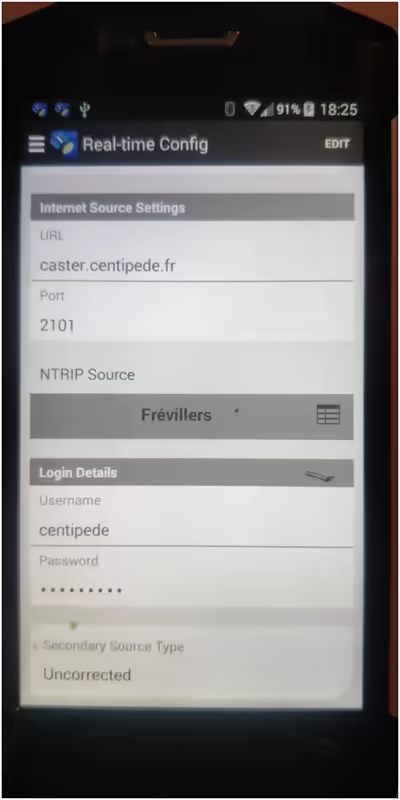
- To configure NTRIP, open the GNSS Status (Trimble) application and go to "Real-Time Config".
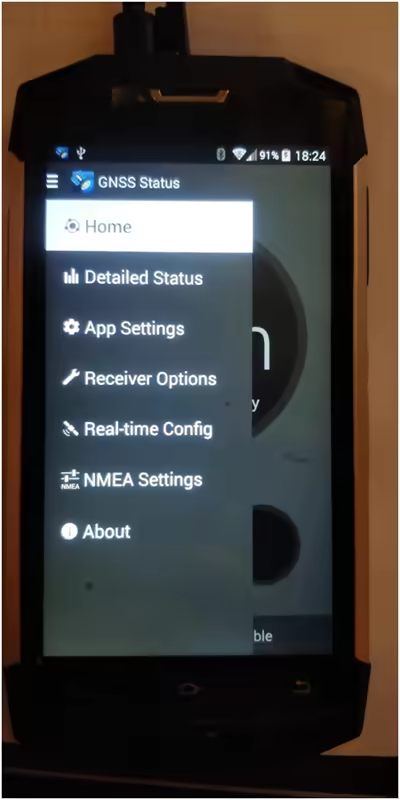
- Then press Edit and define the access to Centipede.
You will need to choose the reference base in "NTRIP SOURCE", then enter the Centipede-RTK credentials:
Username: centipede
Password: centipede
Finally click "Save" at the top.
(Make sure to note the original configuration if you want to perform comparative tests.)